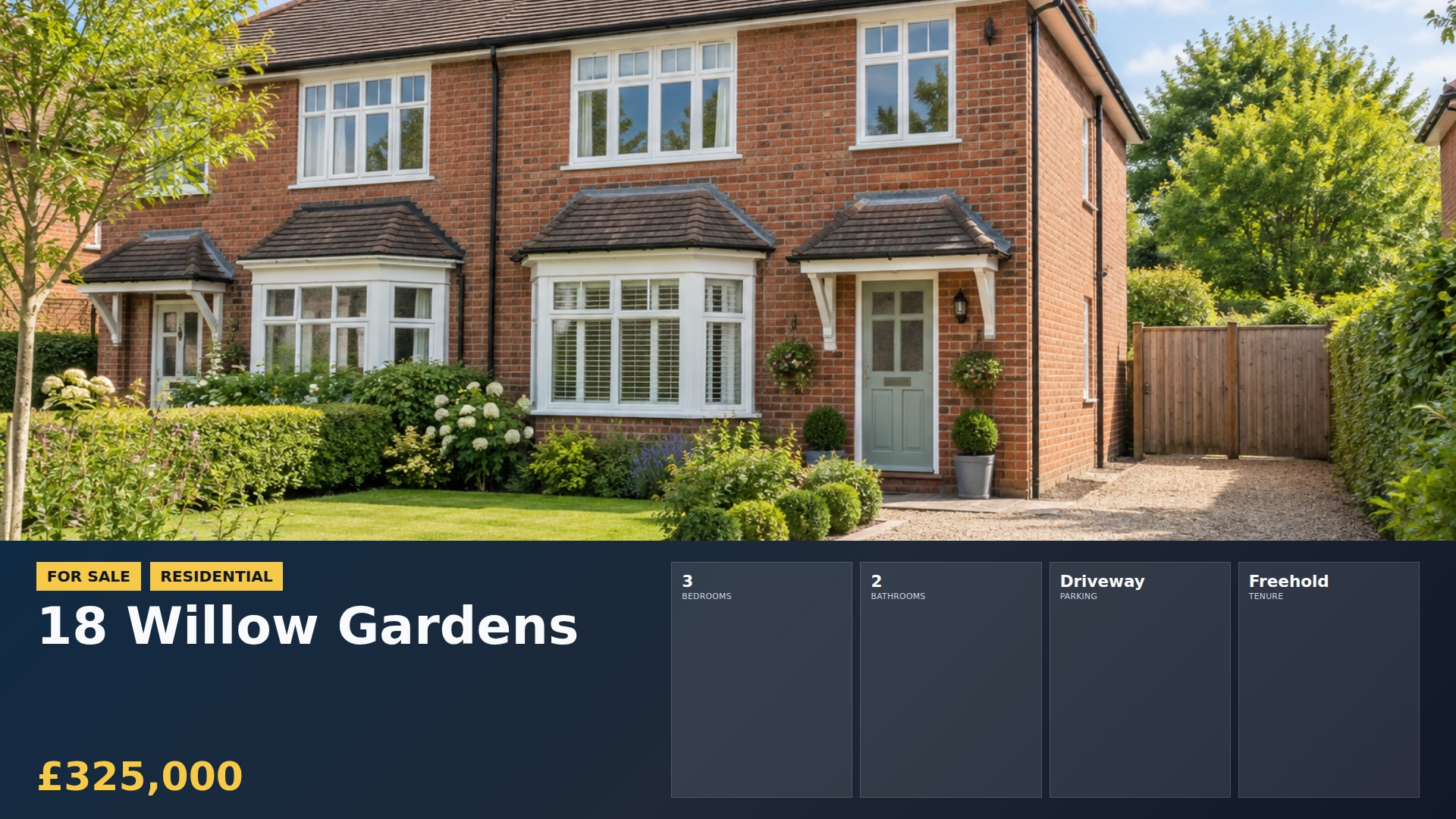
Choose the window view
Decide which screen will be easiest to read from the pavement and keep the first display simple.
 Contact
Guides
Choose a useful location, a clear message and content you can keep current.
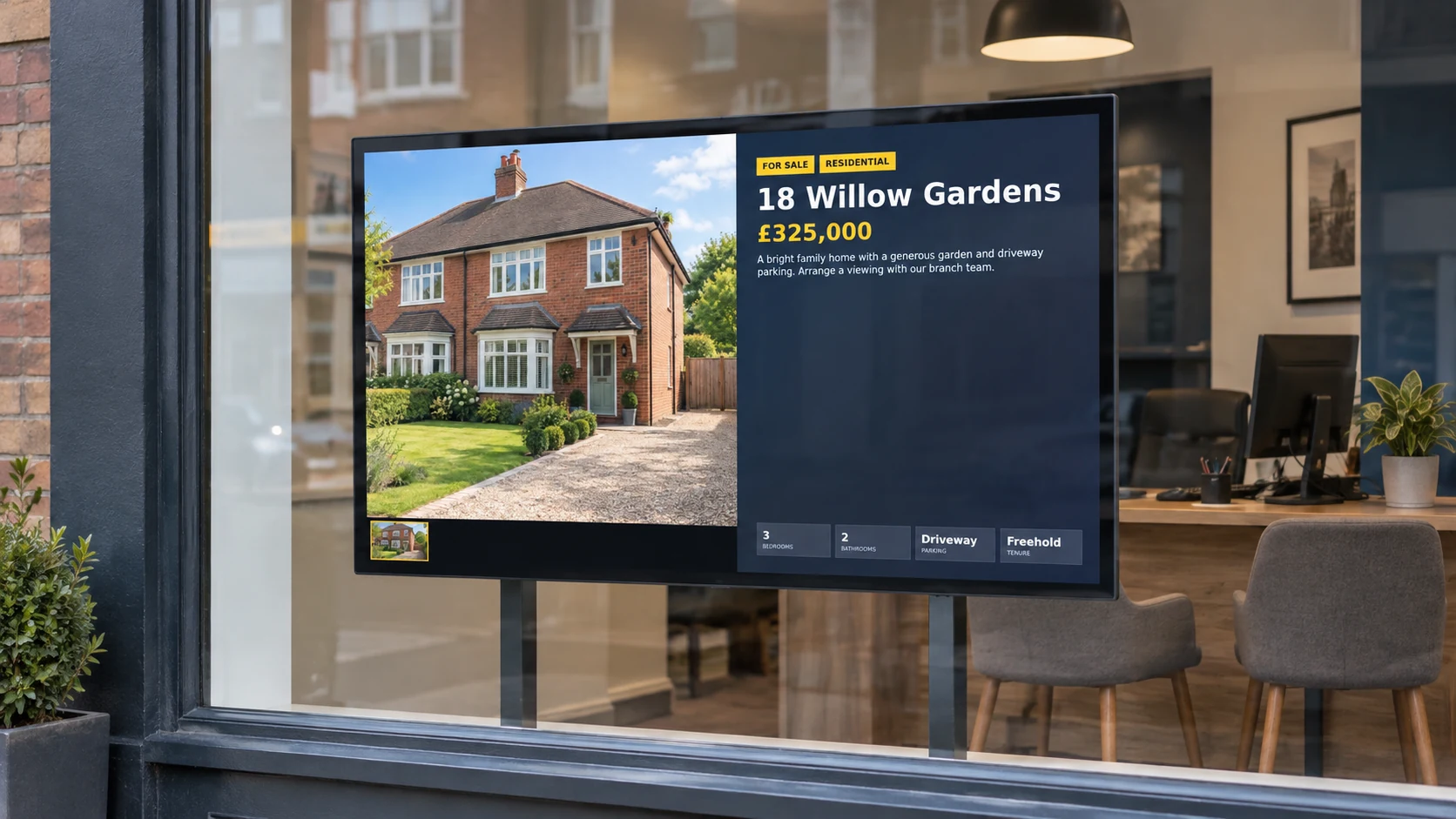
Decide which screen will be easiest to read from the pavement and keep the first display simple.
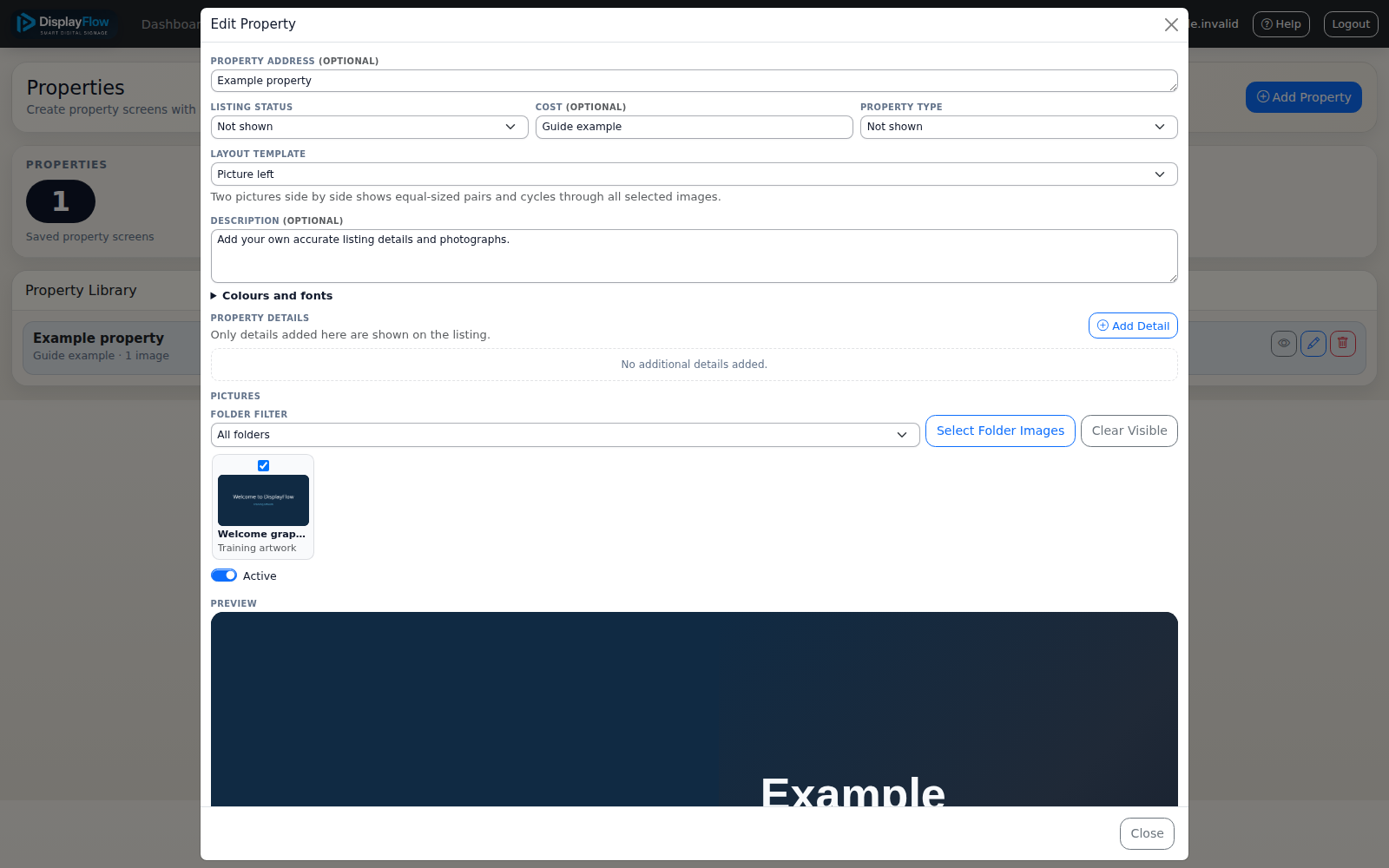
Begin with recent, varied listings and large photos, then add a clear valuation or enquiry message.
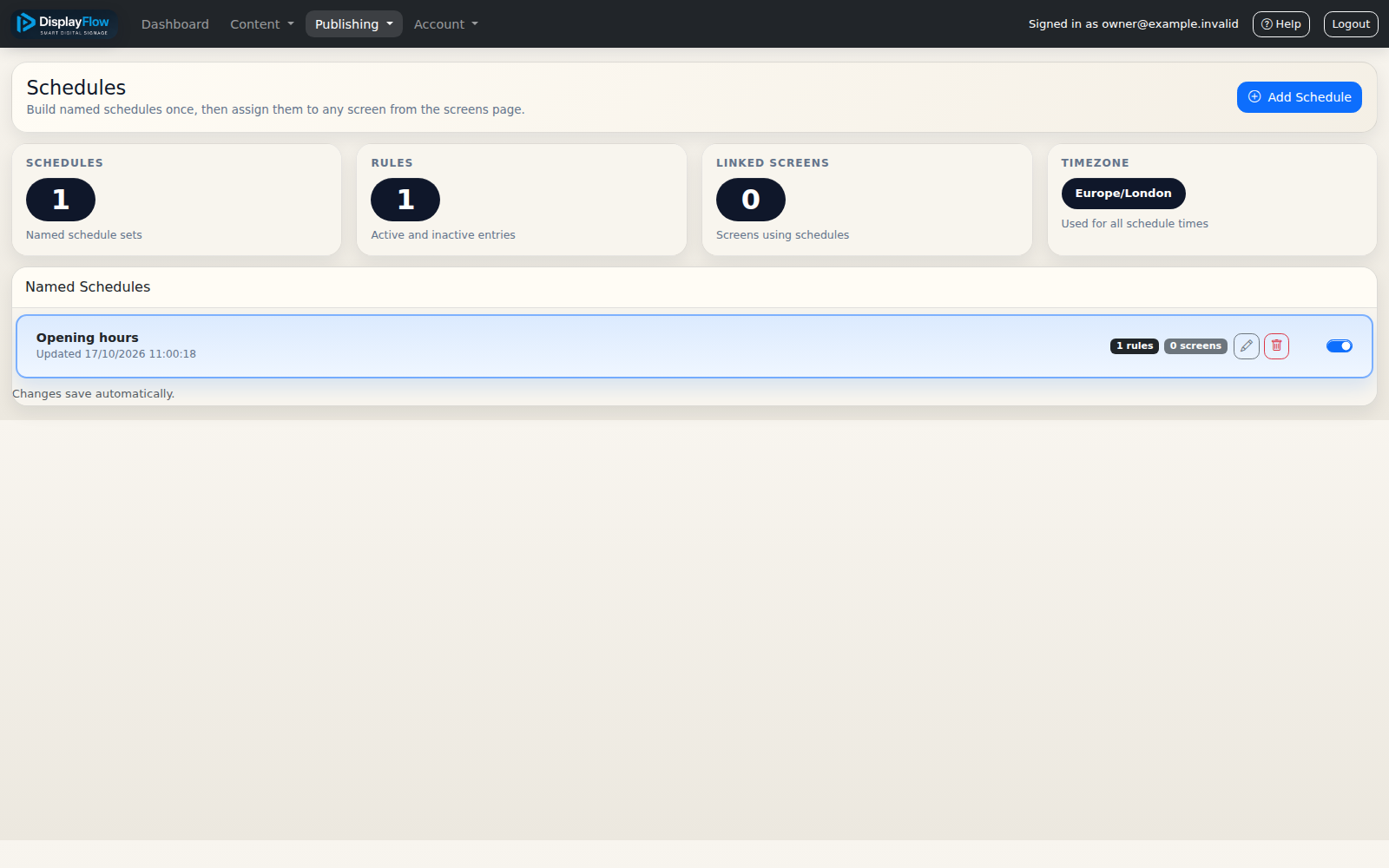
Make screen changes part of the same branch process used for new instructions, price changes and agreed sales or lets.
Consider viewing distance, daylight, mounting, power and network access. Ask us about your screen before buying equipment.